How to Get Paid from MoneyGram with Pocket Money (US Dollars)
Prerequisites
- Sender: US MoneyGram account (You can use any card such as Wise card, PayPal, etc.)
- Recipient: Pocket Money account
Get Your Pocket Money USD Account
Once you download Pocket Money (iOS, Google Play), you’ll get:
- Account Number
- Routing Number
- Account Type (Checking)
Basically, everything a U.S. bank account has. Next, share the steps below with whomever is sending you US Dollars.
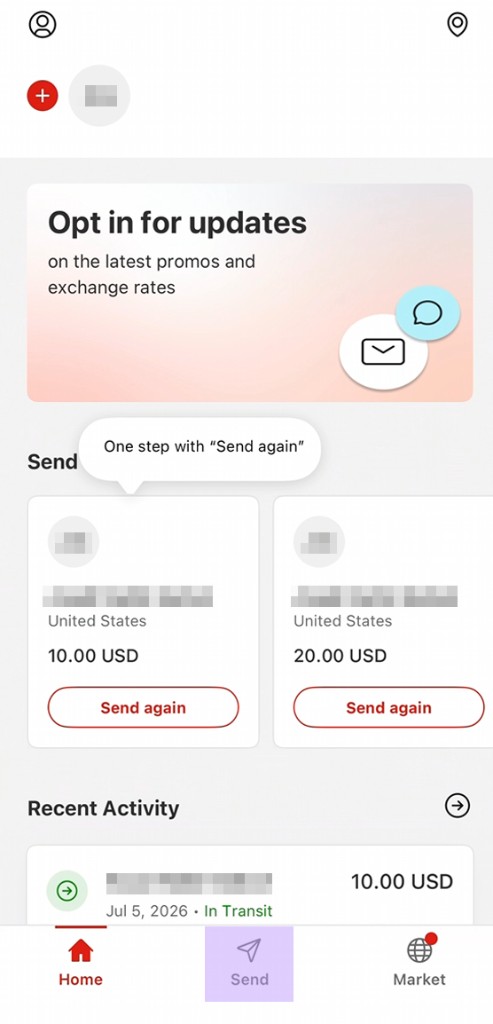
Step 1: Open MoneyGram and Tap “Send”
From the MoneyGram home screen, tap Send at the bottom to start a new transfer.
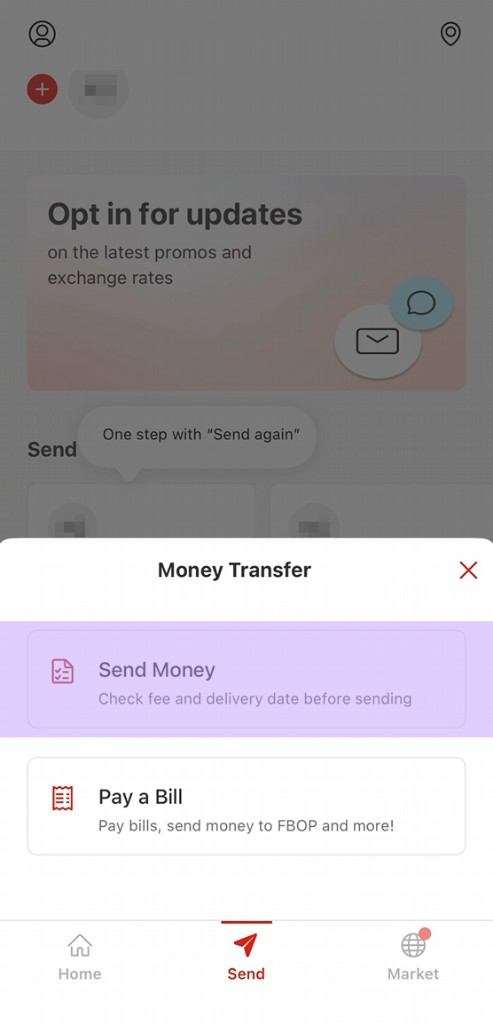
Step 2: Choose “Send Money”
In the Money Transfer screen, choose “Send Money”.
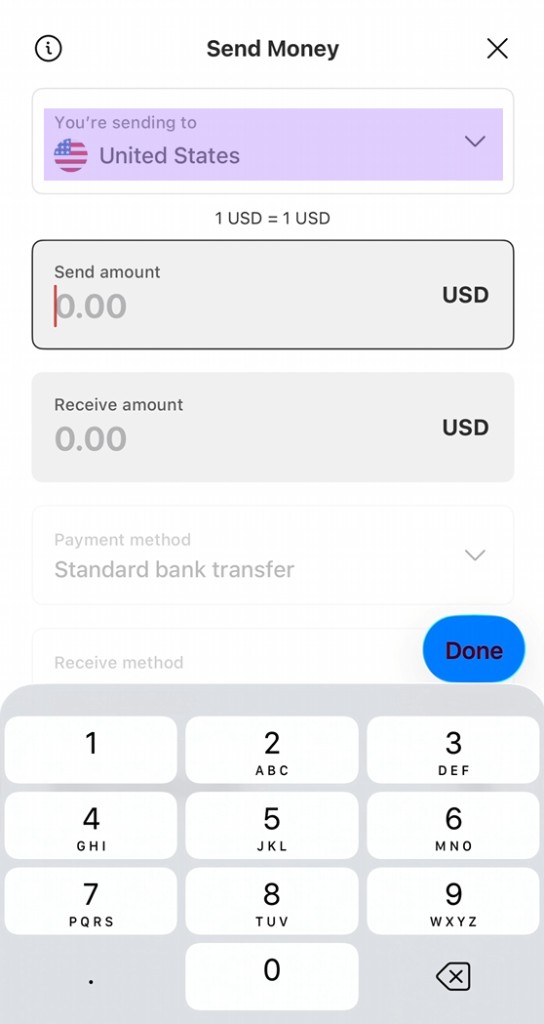
Step 3: Send to the United States
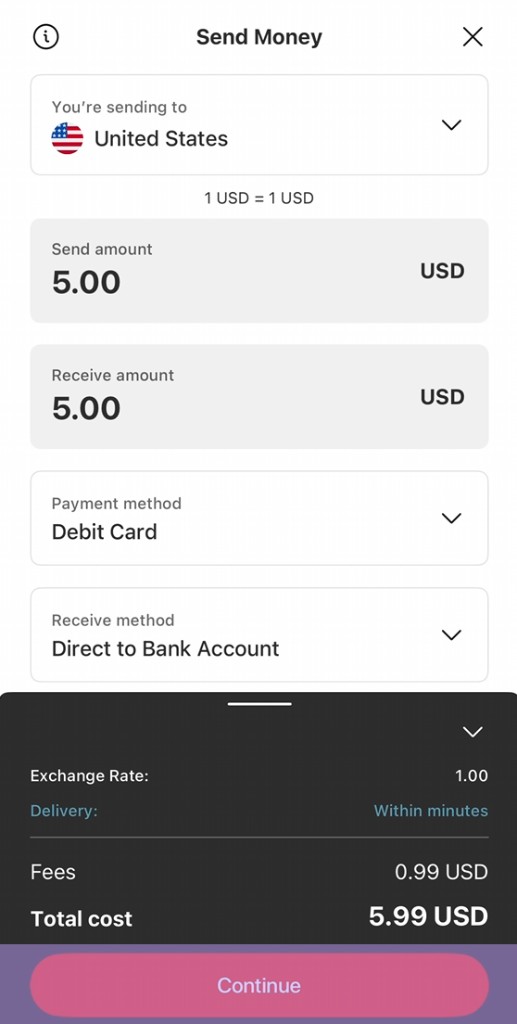
That’s the magic of Pocket Money — even if you’re in Pakistan, your Pocket Money account is based in the United States. Set “You’re sending to” to United States and enter the amount.
Step 4: Choose Payment and Receive Method
Pick your Payment method and set the Receive method to Direct to Bank Account. Review the fee and delivery time, then tap Continue.
Step 5: Add a Receiver Manually
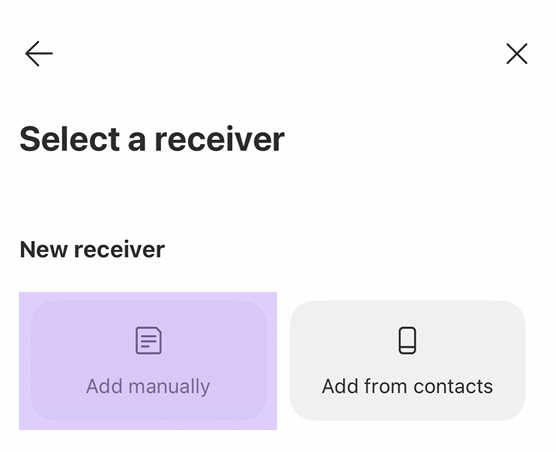
On Select a receiver, choose “Add manually” to enter the Pocket Money details.
Step 6: Enter Bank Information
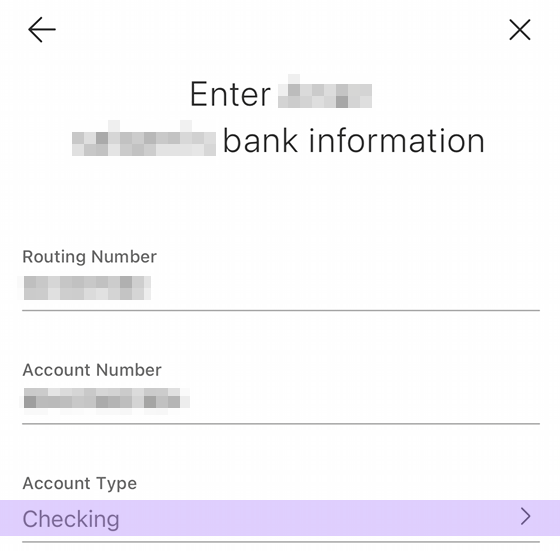
Enter the Pocket Money Routing Number and Account Number. Make sure Account Type is set to Checking.
Step 7: Add Receiver Details
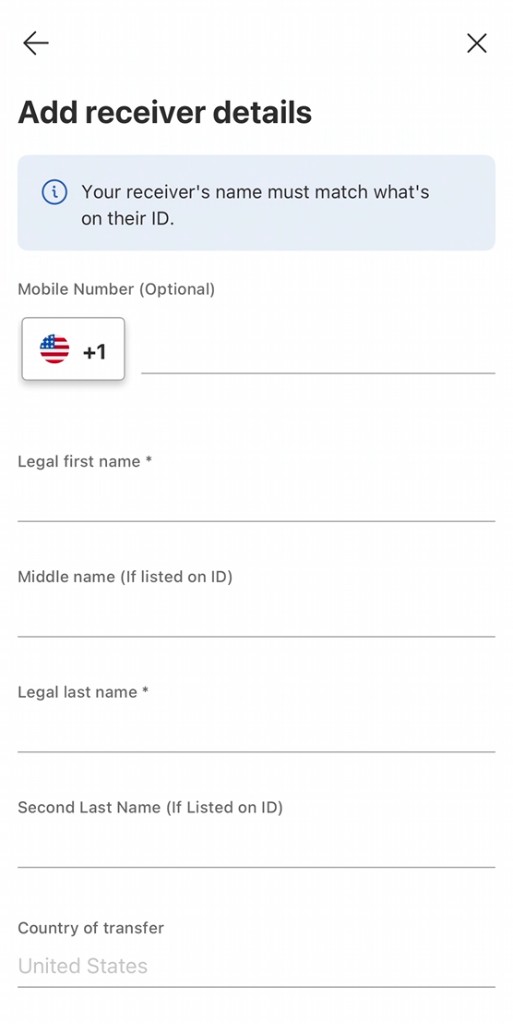
Enter the receiver’s details. The name must match what’s on their Pocket Money account details.
Step 8: Choose a Payment Method
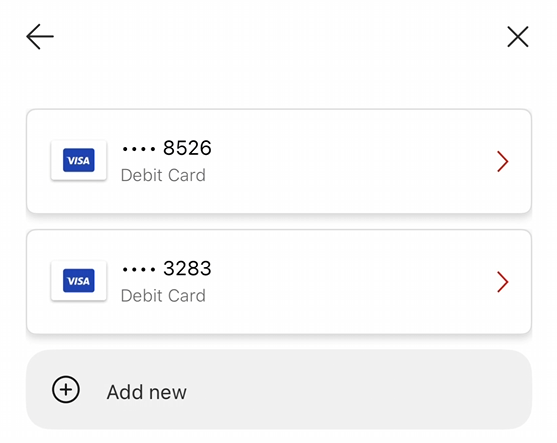
Select the card you want to pay with, or tap Add new.
Step 9: Review and Submit!
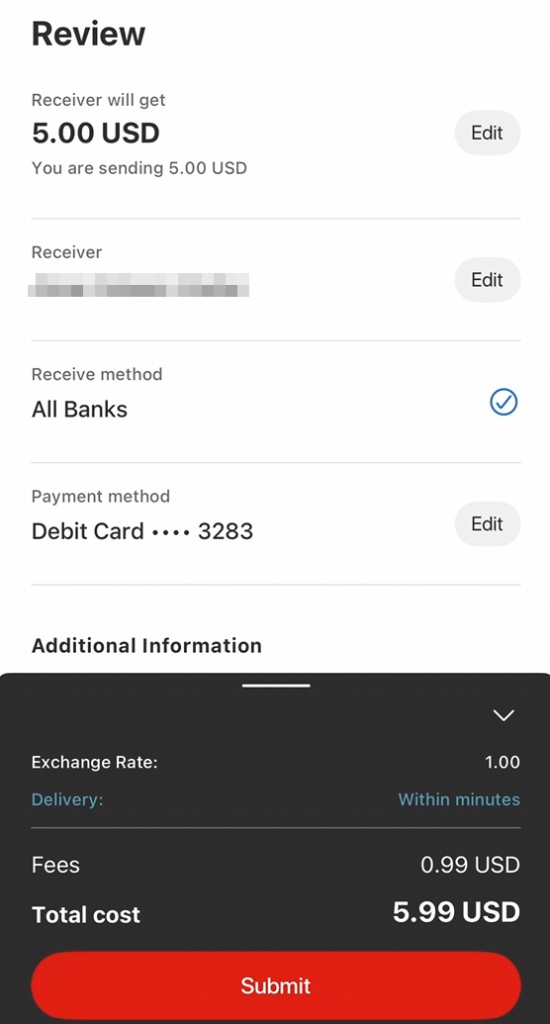
Double-check the receiver, receive method, and payment method, then tap Submit.
Finally — MoneyGram to Pakistan
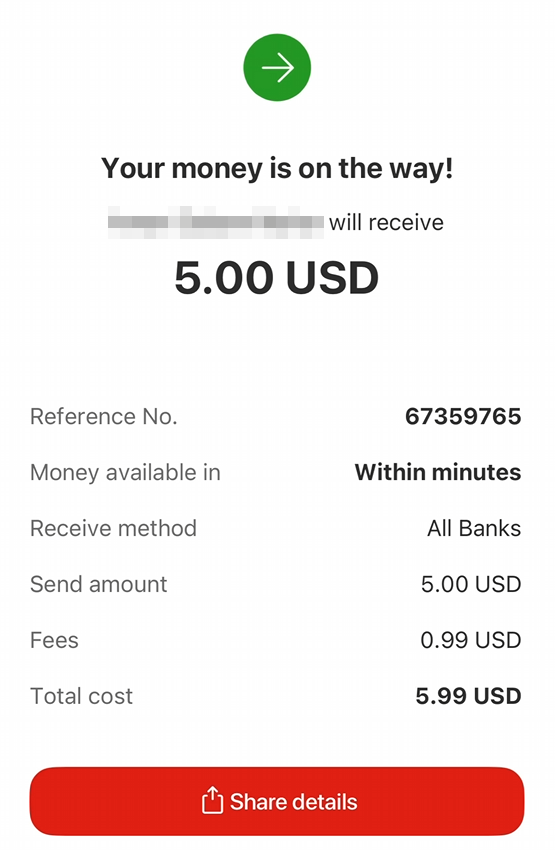
Boom! All done.

Say “Yes” to Pocket Money — iOS | Google Play